When I first started to do digital scrapbooking, I would get so frustrated because I would have the hardest time coming up with pictures, paper, and embellishments that all matched without buying a new kit for every page that I made. I wanted the colors in my paper collection to match the colors in my photos better and sometimes the other way around. One of the greatest days of my life came when I learned how to recolor (change the hue/saturation) of a picture... All of a sudden the possibilities were endless!
HERE is the tutorial that opened my eyes several months ago. Notice the differences in these two pages. Here is the after...

And this is the before. With changing the hue/saturation I can use the same paper and make it blue, green, white, or whatever!

Oh, and another one of my favorite things is using templates or sketches that somebody else has already made up. This is one from Jennifer Woodbury-she is amazing! HERE are some more of hers.

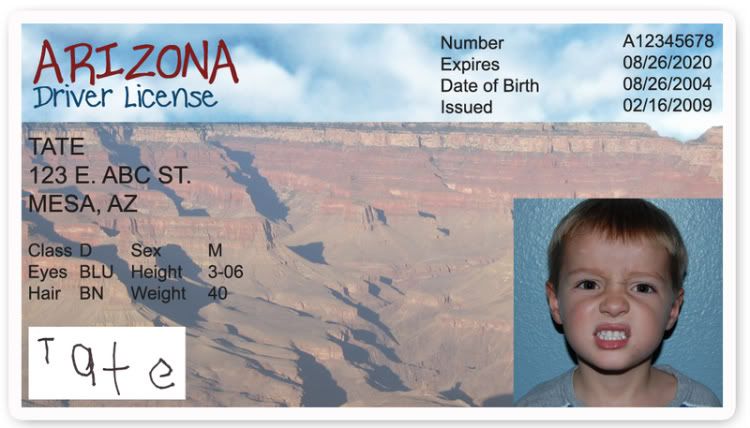 I've been wanting to make a play "DRIVERS LICENSE" for Tate since last year when we went to Disney Land. After the Autopia Ride, they have a little booth to make a drivers license. I wanted Tate to do it, but since it cost a lot of money, Bryan gave me the idea to make it myself. So, I finally got around to doing it today... I designed it on Photoshop, printed it on cardstock, and then laminated it to make it more sturdy.
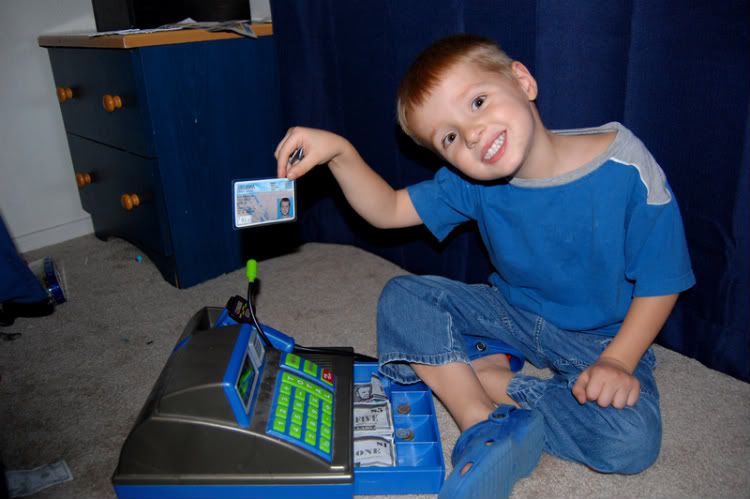 Tate just loves it so much! He likes that it looks real. I know that we will get lots of use out of it.


